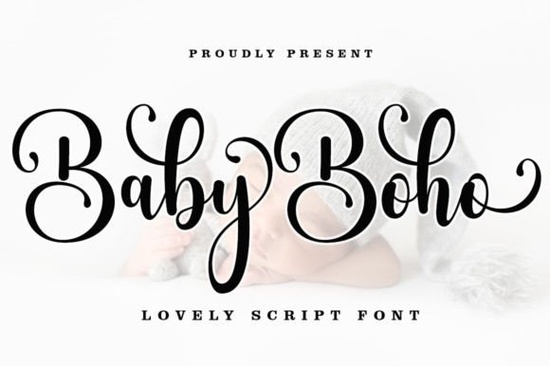
If you're looking for a script font that blends playful charm with elegant flair, the Baby Boho Font might be just what your next project needs. Designed as a modern calligraphy style with a relaxed, hand-lettered feel, it includes graceful swashes and smooth curves that work beautifully across both digital and print formats.
Whether you're creating baby shower invitations, designing nursery wall art, or crafting custom apparel for little ones, this font brings warmth and personality without feeling overly fussy. Its casual elegance also makes it surprisingly versatile think branding for boutique children’s products, packaging for organic baby goods, or even subtle accents on wedding stationery where a soft, bohemian touch is desired.
What makes Baby Boho stand out from other script fonts?
Unlike basic script fonts that offer only standard characters, Baby Boho comes encoded with PUA (Private Use Area) Unicode. This means you get full access to all its decorative alternates, swashes, and ligatures right out of the box no special design software required. Mac users can browse extra glyphs through Font Book, while Windows users can easily find them in Character Map. Just copy and paste into your favorite app like Canva, Adobe Illustrator, or even Microsoft Word.
This level of accessibility is especially helpful for crafters and small business owners who may not use advanced vector tools but still want professional-looking results. You’re not limited to default letterforms; you can mix and match stylistic elements to give each word a unique rhythm.
Where can you actually use this font?
The short answer: almost anywhere you want a gentle, artistic script. Here are some real-world uses that work well:
- Baby-related designs: onesies, milestone cards, nursery prints, and personalized keepsakes.
- Event stationery: from whimsical birthday invites to intimate wedding vow books.
- Product branding: labels for handmade soaps, organic skincare, or boutique baby food lines.
- Digital content: social media quotes, blog headers, or printable planners with a personal touch.
Because it’s a single-weight font (Regular), it pairs best with clean, minimalist sans-serif typefaces for contrast think body text in Helvetica Neue or Montserrat while letting Baby Boho shine in headlines or featured phrases.
How does it compare to similar handwritten scripts?
If you’ve explored other calligraphy-style fonts on Creative Fabrica, you might notice subtle differences in flow and formality. For example, Victory Swing leans more energetic and bouncy, great for kids’ party themes. Ashley Southine offers a refined, almost vintage elegance suited for formal invitations. Meanwhile, Front Picture has a tighter, more compact structure ideal for logo work with limited space.
In contrast, Baby Boho sits comfortably in the middle relaxed enough for everyday crafts but polished enough for client-facing projects. It also shares DNA with fonts in our children and school-themed font collection, though it avoids cartoonish exaggeration, making it appropriate for both child-focused and adult-oriented boho aesthetics.
For those who enjoy natural, flowing handwriting styles, you’ll likely appreciate how other handwritten script fonts in the catalog complement Baby Boho whether you’re layering textures or building a cohesive brand font stack.
A few practical tips before you download
Remember that while Baby Boho includes many decorative glyphs, less is often more. Overusing swashes can make text hard to read, especially at small sizes or on busy backgrounds. Stick to one or two alternate characters per word for balance.
Also, always check the license if you plan to use it commercially Creative Fabrica typically includes a commercial-use license with most fonts, but it’s good practice to confirm based on your subscription or purchase type.
Ready to try it? If your current projects need a script that feels personal, unpretentious, and full of character, the Baby Boho Font is worth adding to your toolkit.
Quick checklist before using Baby Boho:
- Install the font correctly on your system.
- Open Character Map (Windows) or Font Book (Mac) to explore all glyphs.
- Test readability at your intended size and background.
- Pair with a simple sans-serif for supporting text.
- Use swashes sparingly highlight key words, not every letter.
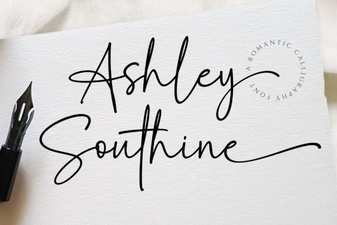 Download Ashley Southine Free Font
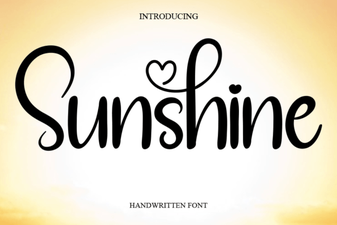 Sunshine Font: Creative Projects & Design Inspiration
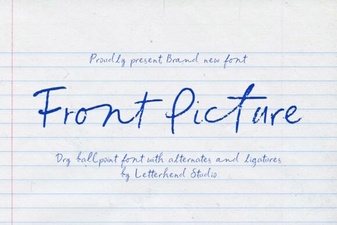 Choosing Fonts That Define Your Front Page Image
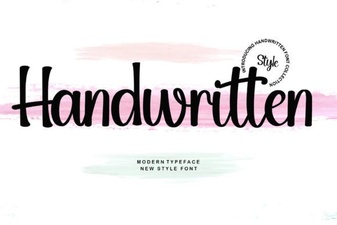 Crafting Authentic Designs with Handwritten Fonts
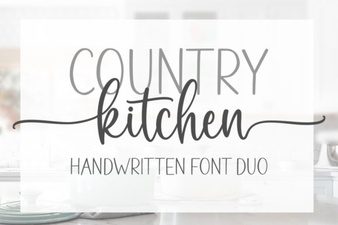 Country Kitchen Font Ideas for Your Home Projects
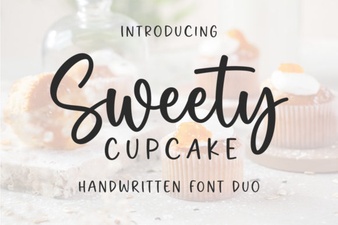 Sweet Cupcake Font: a Designer's Sweetest Tool